How to use SearchMusicGear.com

Welcome to SearchMusicGear! This guide will walk you through the main tools and features so you can start finding great gear deals faster.

Our tools are great for everyone

Regular surfers, resellers or vintage gear collectors

Regular surfer

Just browsing and buying!

Gear Reseller

I want to find a deal to resell!

I am a collector

Looking for rare or vintage gear!

Learn how to use SearchMusicGear.com

1

Browsing & Searching

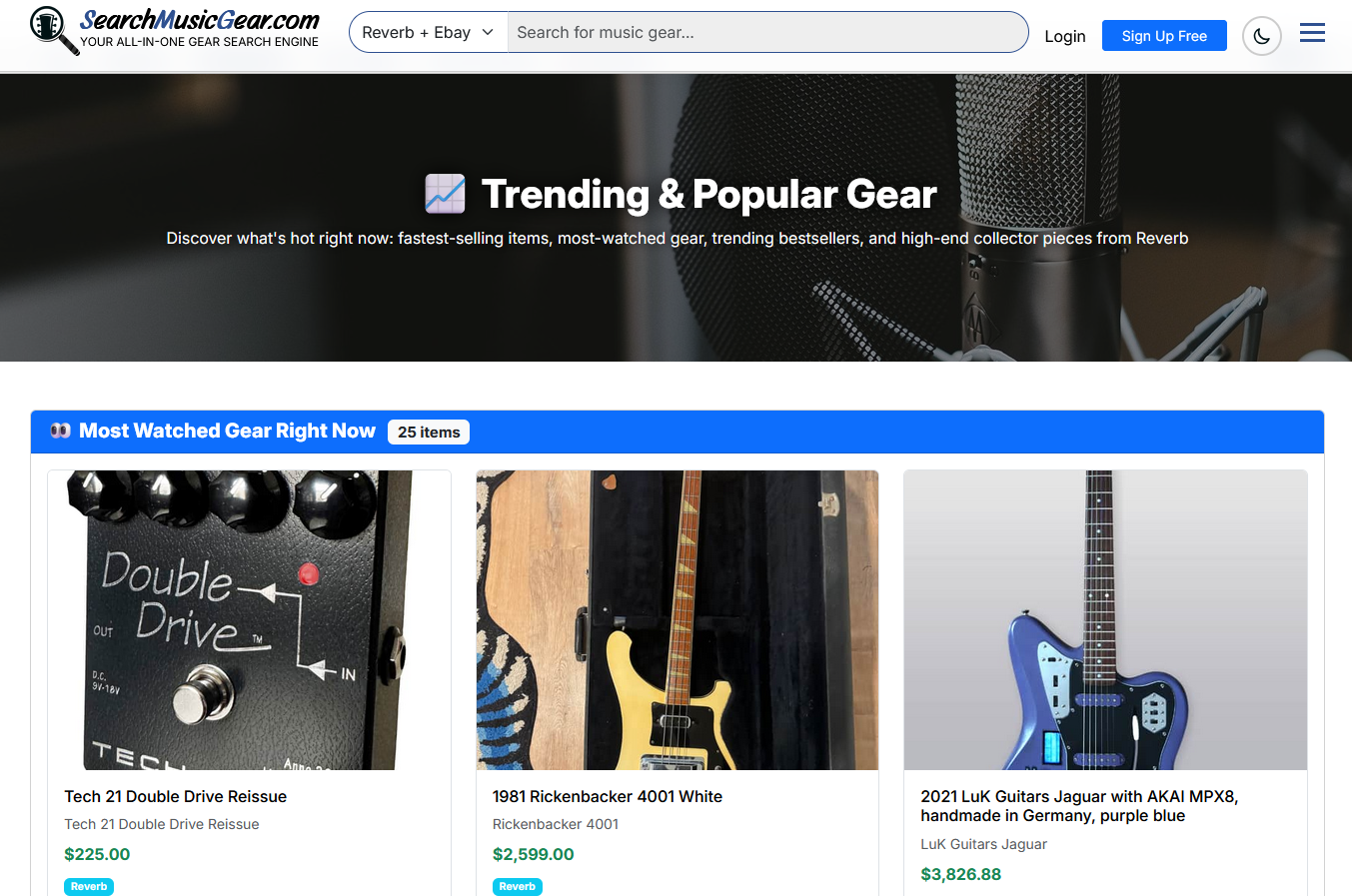
Find gear across Reverb and eBay simultaneously

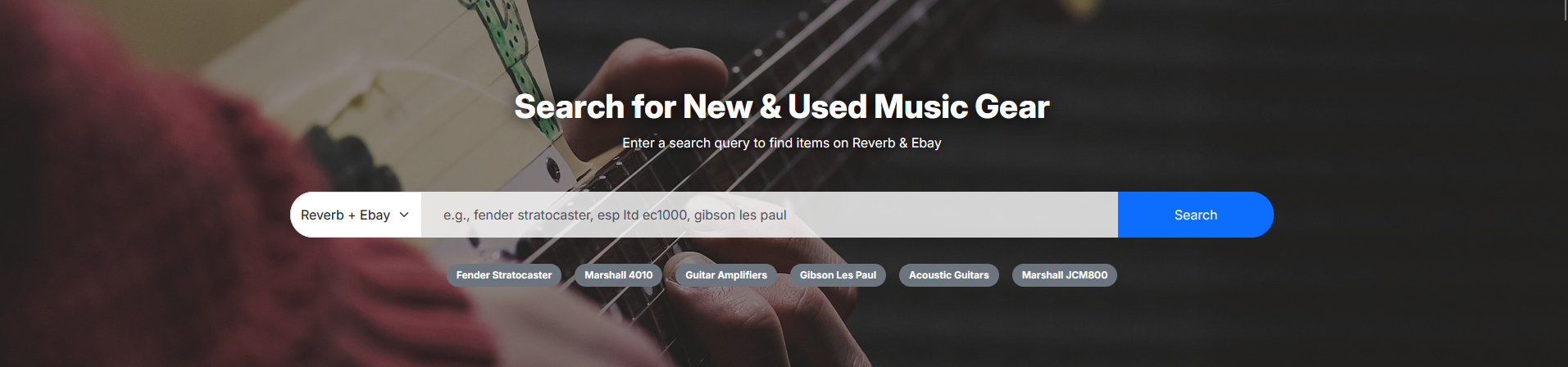
Type any gear you're looking for — "Fender Stratocaster", "Boss DS-1", "Moog Synth" — and we'll pull live results from both Reverb and eBay in one view so you can compare prices instantly.

Use the filters to narrow by price range, condition, brand, and marketplace. No more switching tabs.

2

Sold History & Price Guide

See what gear actually sells for — not just the asking price

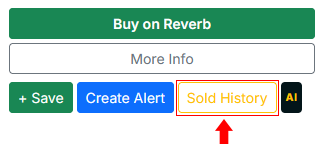
On any listing page, click "Sold History" to see what similar items have actually sold for on eBay and Reverb. This is one of the most powerful free tools on the site.


Why this matters: Asking price ≠ sold price. A guitar listed at $800 might consistently sell for $600. Knowing this prevents overpaying and helps you spot real deals and flip opportunities.

Great for buyers, resellers, and collectors alike — especially before making an offer.

3

AIAI Gear Analysis

Get a smart second opinion on any listing in seconds

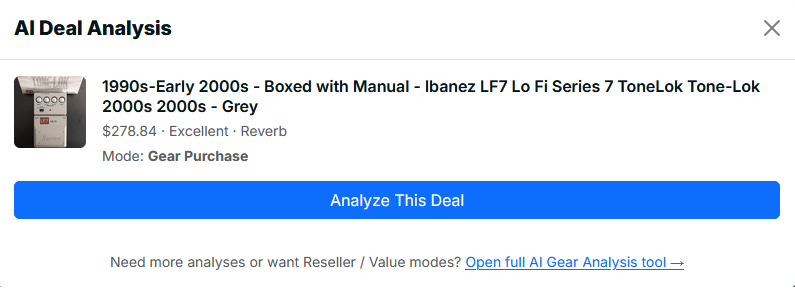
Visit the AI Gear Deal Analyzer, put in your item details; choose if you want to scan the item for purchasing, reselling or value for a piece of gear you have. Our AI reviews sold comps, current market trends, and condition to give you a clear verdict:

Good Deal Potential Flip Pass

Perfect for beginners who want a data-backed second opinion before pulling the trigger — or for flippers who want to move fast without doing all the research manually.

Also Run AI Analysis on any listing you are interested in! (3 Free Uses a Day)
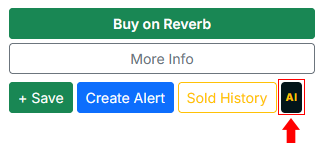


Click the "AI" button to analyze the item to see if it's a goood deal to buy
4

Gear Alerts

Never miss a deal — get notified the moment it lists


This is one of our most popular features. Set up an alert and we'll email you the moment matching gear appears.

How to set up an alert:
  1. 1Search for the gear you want.
  2. 2Open any listing or stay on the search results page.
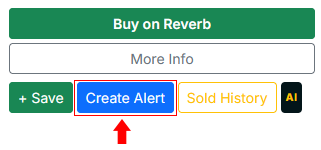
  3. 3Click "Create Alert".
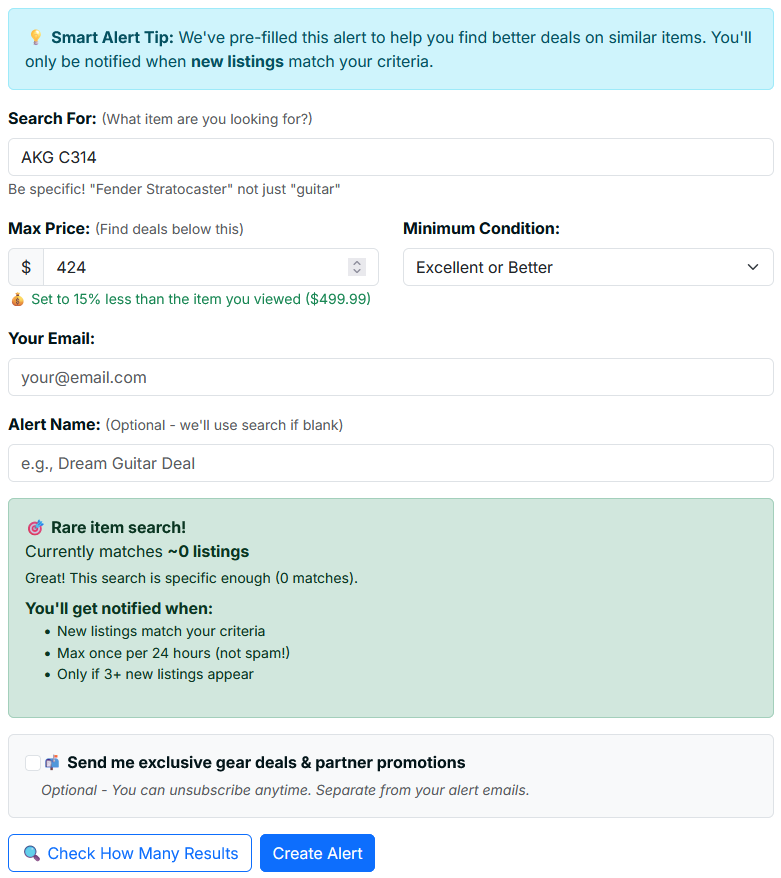
  4. 4Set your price range, preferred condition, and marketplace.
  5. 5Enter your email and activate — you're done!
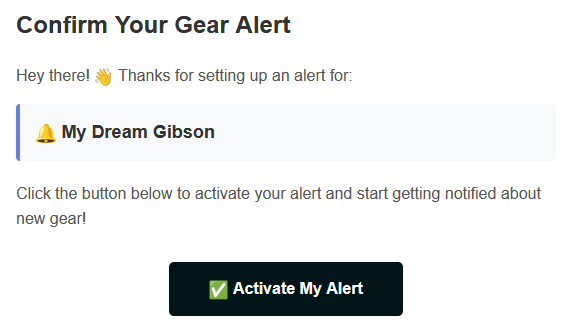
Confirm Your Alert!


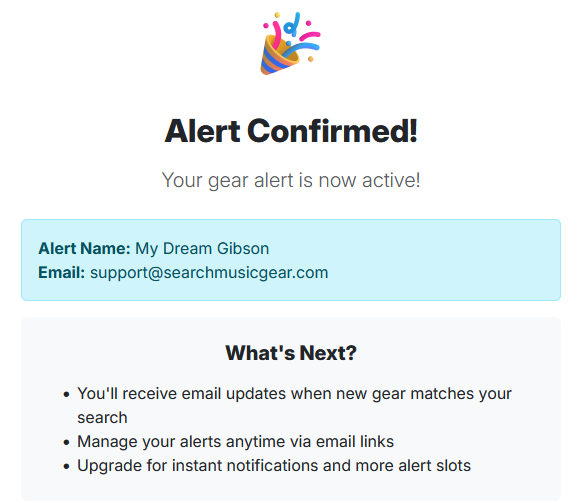
Alert confirmed!


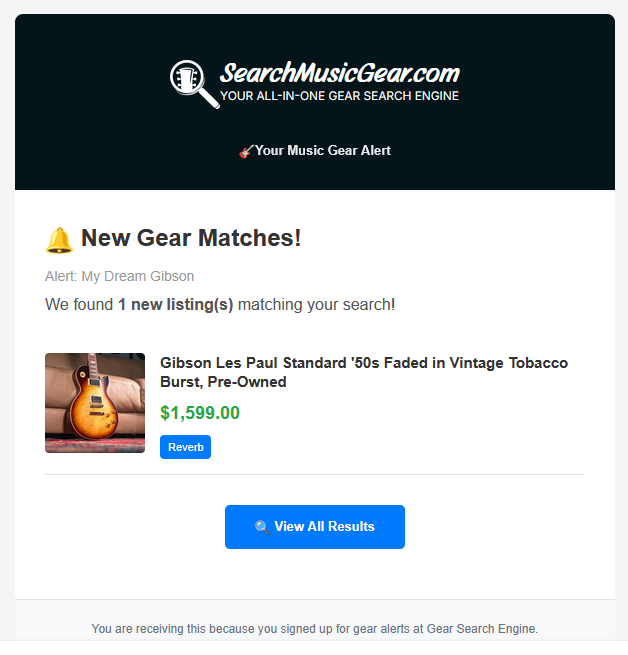
Item found, alert in your inbox!


Free accounts get up to 10 active alerts delivered daily. Need more? Email [email protected].
Set Up an Alert →
5

Reverb Price Drops

Catch the moment a seller lowers their price

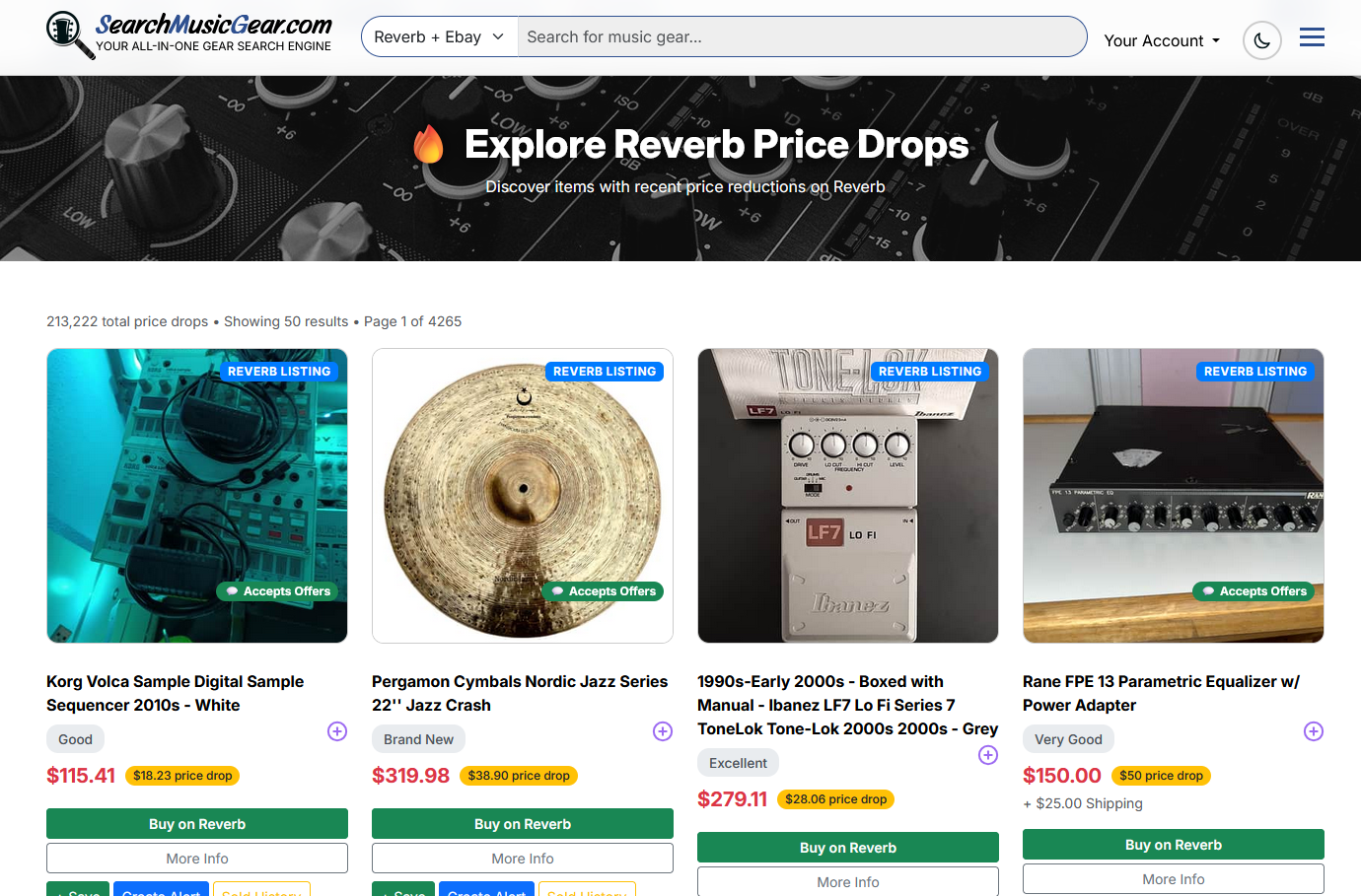
The Reverb Price Drops page shows listings where the seller has recently lowered the price. This is one of the best places on the site to find motivated sellers and quick opportunities.

Bookmark this page and check it daily — price-dropped listings tend to move fast.

View Price Drops →
7

Deal Desk

New listings that match what you buy — free with an account

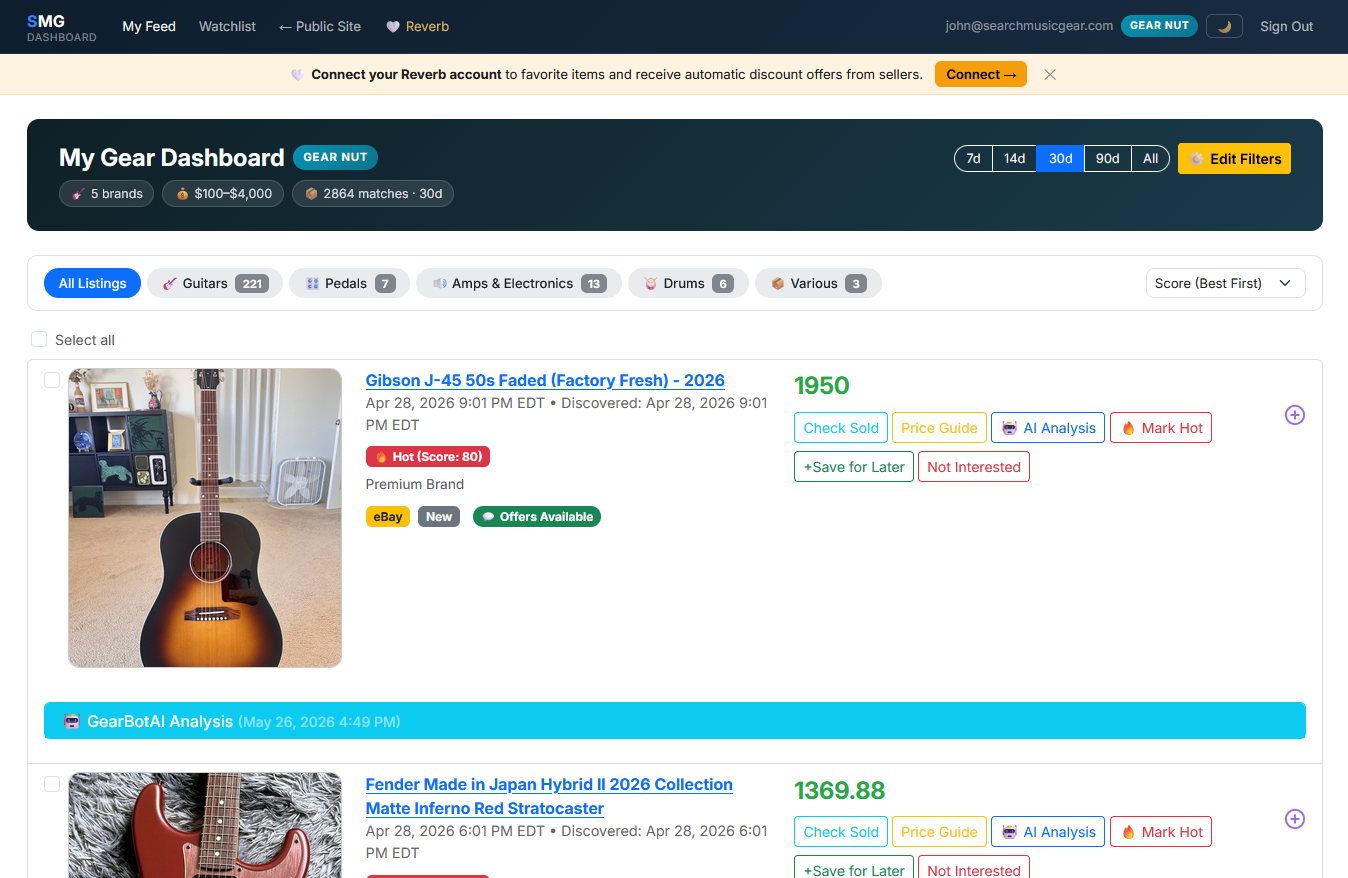
The Deal Desk is a feed of new Reverb and eBay listings that match your buy list, so you can say Flip, Watch, or Pass without tab-hopping.

  • Buy list — brands, keywords, and a price cap
  • Flip / Watch / Pass — decide on the card
  • Price History — sold comps for that listing
  • AI — optional second opinion (daily cap + credit packs)
Learn about Deal Desk → Open Deal Desk →
Want Gear Alerts?

Get notified the moment new listings appear or prices drop.

Create an Alert
Feature Requests

Have an idea to improve the site? We'd love to hear it!

Suggest a Feature

First time here?

Every listing has free built-in tools — AI deal analysis and instant gear alerts. Takes 30 seconds to learn.