**Update 7/22/26 - Reverb deprecated their "priceguide" API in July of 2026 so they no longer allow public use of this API endpoint which some tools in this article references.
Gear flipping can be a great way to make extra income or fund your own collection — but only if you buy smart and avoid overpaying. When I first started trying to buy and sell music gear, or even buy something used on the market, it was daunting to know current market values, researching and cross-checking sale history. The biggest challenge for beginners is knowing what’s actually a good deal in a fast-moving market.That’s why I built SearchMusicGear — to give you real data and tools that remove the guesswork.
Here’s exactly how beginners can use the site to find, evaluate, and track profitable flips.
1. Start with Market Research (Free Tools)
Before buying anything, you need to understand what’s selling and what’s trending.
Visit Trending Music Gear to see what items are being watched the most right now. This helps you identify popular brands and models that tend to have strong demand.
Check the Reverb Price Drops page daily. These are items that sellers have recently lowered in price — often creating quick flip opportunities.
**Update 7/22/26 - Reverb deprecated their "priceguide" API in July of 2026 so they no longer allow public use of this API endpoint which this following tool is based on.
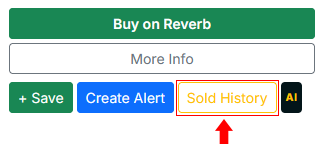
For any listing you find, use the built-in Sold History tool. This shows real recent sales on eBay and Reverb so you can instantly see if the current asking price is good, average, or too high.
2. Use the AI Gear Analyzer (Your Smart Second Opinion)
Once you’ve found a potential item, run it through the AI Gear Deal Analyzer.
It instantly reviews sold comps, market trends, and condition to give you a clear verdict:
-
Good Deal
-
Potential Flip
-
Pass
This tool is especially useful for beginners because it explains its reasoning in plain language, helping you learn what makes a strong flip.
3. Set Up Gear Alerts (Never Miss a Good Deal)
After you’ve researched what flips well, use Gear Alerts to work smarter:
-
Set alerts for specific models, brands, or price ranges.
-
You’ll receive daily emails when matching items appear on eBay or Reverb.
-
Free users get up to 3 active alerts.
- Learn how to use gear alerts here.
This removes the need to constantly check listings yourself. You can even manage, pause and remove any alerts you don't want anymore by visitng this page.
4. Premium Reseller Dashboard (Advanced Flipping Tool)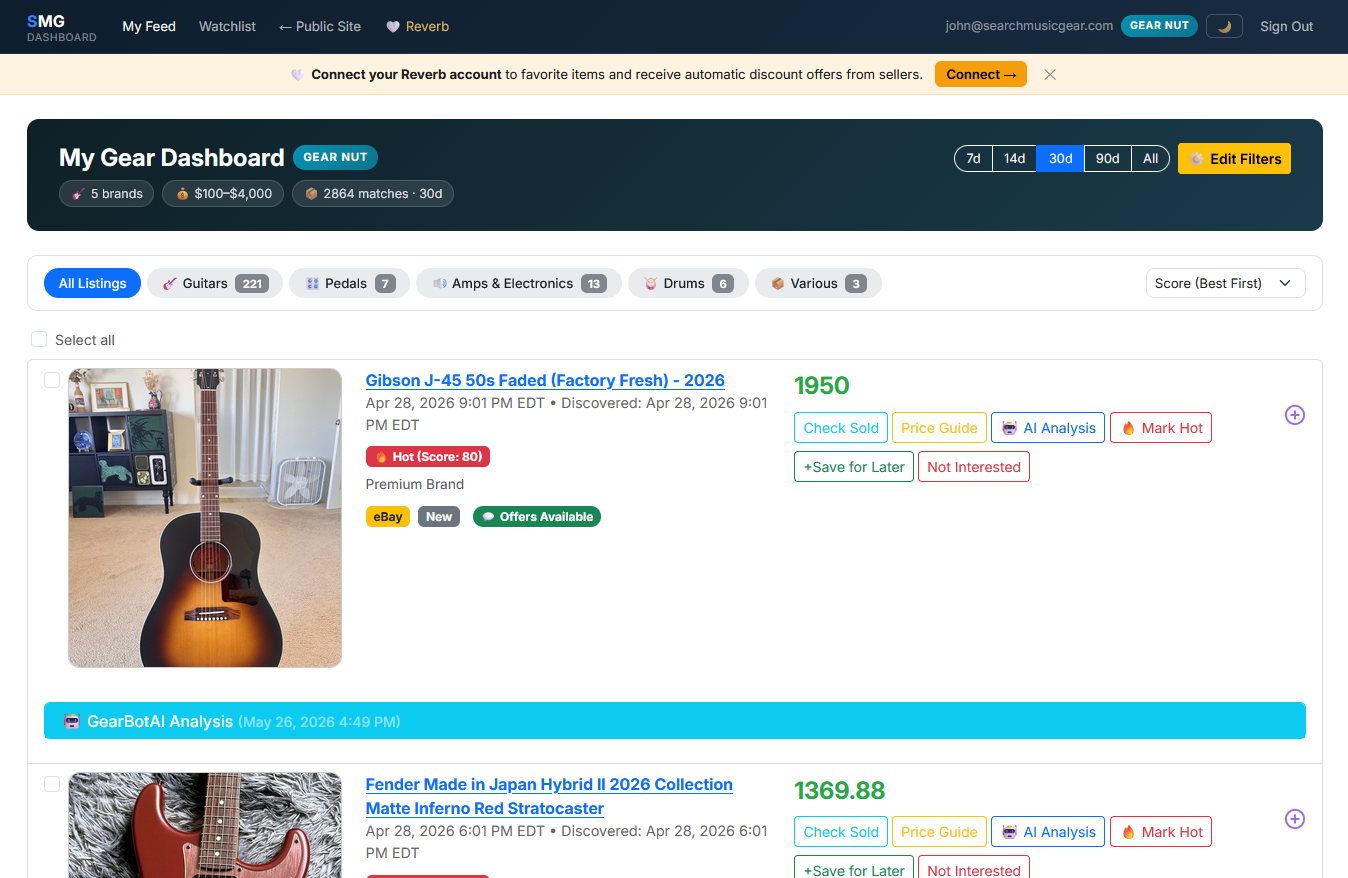
Once you’re ready to take flipping more seriously, the Premium Reseller Dashboard gives you a powerful edge:
Filter by brand, gear type, price range, and more.
The system automatically pulls in listings and ranks them by “Hot Score” based on demand, sell-through rate, and margin potential. 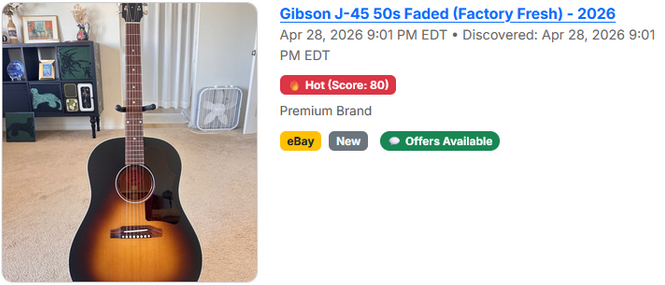
-
Use the built-in AI analyzer directly from the dashboard.
-
Mark items as “Potential Resell” with private notes.
-
Get notified when items sell so you can track what’s actually moving.
This dashboard turns flipping from a side hobby into a more systematic process.
Getting Started Today
- Browse the Trending and Price Drops pages to get a feel for the current market.
- Pick a few items and test the Sold History + AI Analyzer.
- Set up your first 1–2 Gear Alerts on models you understand well.
- When ready, upgrade to Premium for the full Reseller Dashboard.
Gear flipping rewards patience and good data — not luck. The more you use these tools, the faster you’ll develop good instincts. I hope these tools help you gear hunters out there! Let the hunt continue!